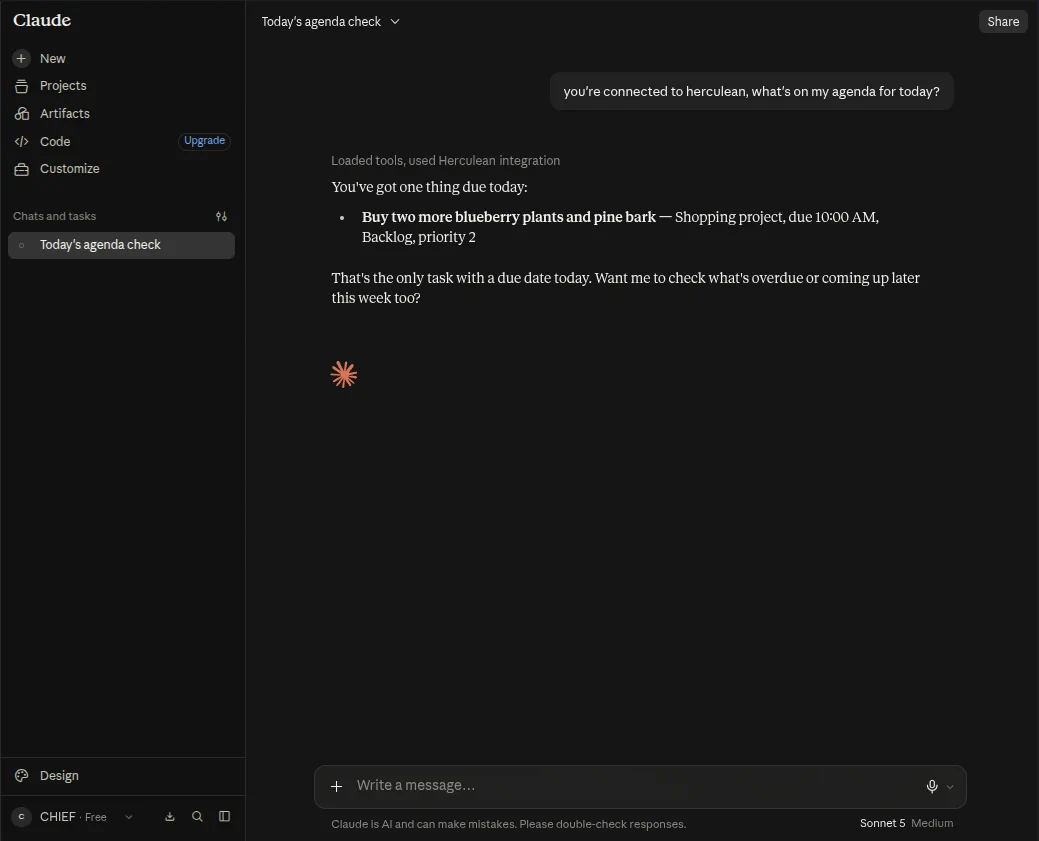
install
Install Claude for Herculean
Claude-specific installation instructions for Herculean.

1. Add Herculean as a custom connector
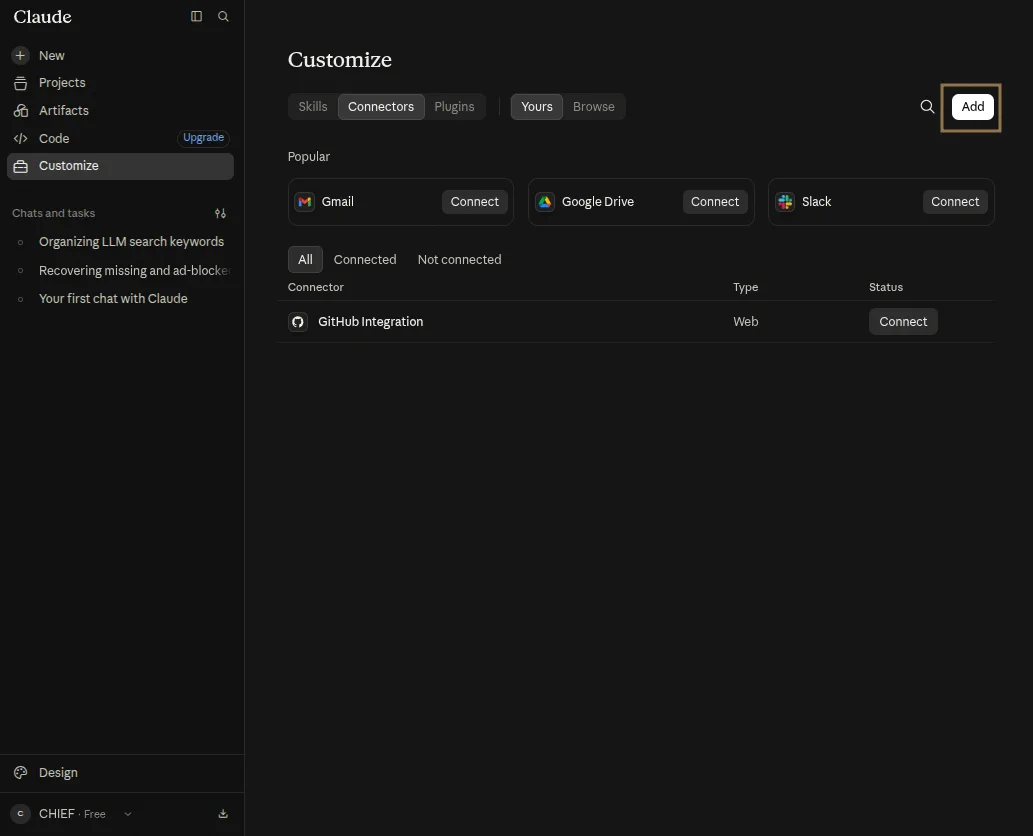
- Open Claude’s Connector Settings.
- Select Add.
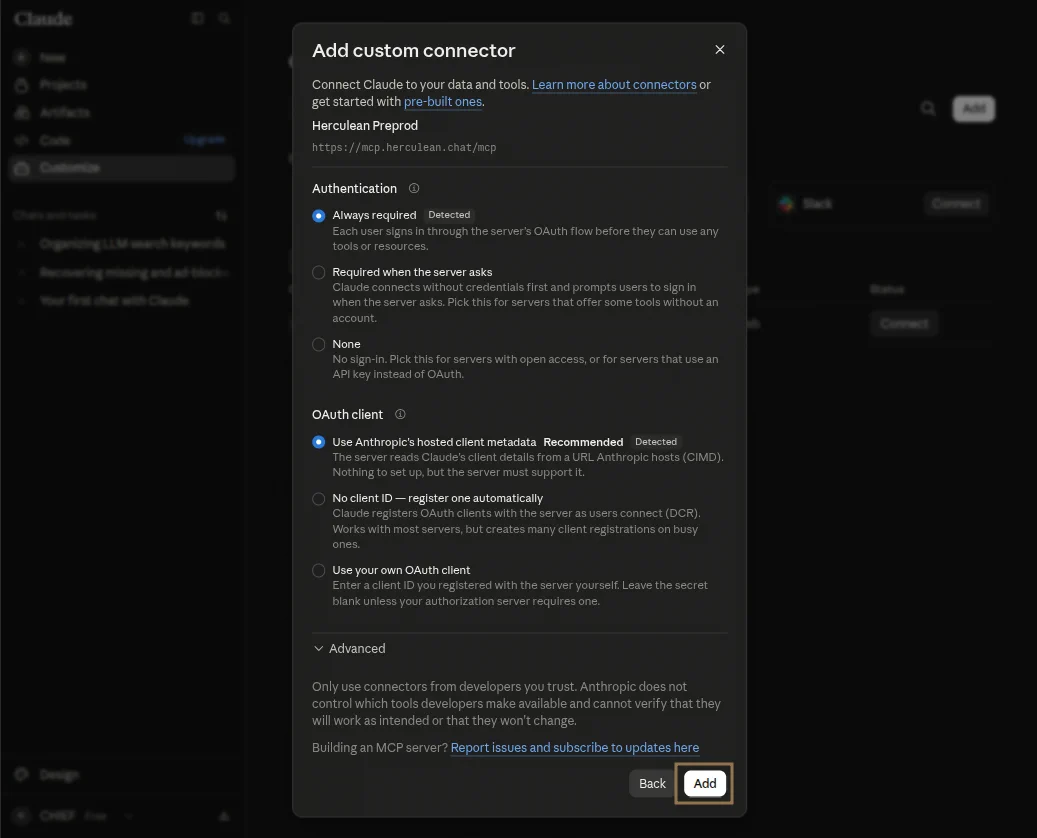
- Name the connector Herculean.
Herculean- Enter this MCP server address:
https://mcp.herculean.chat/mcp- Confirm the automatically filled authentication settings by selecting Add.
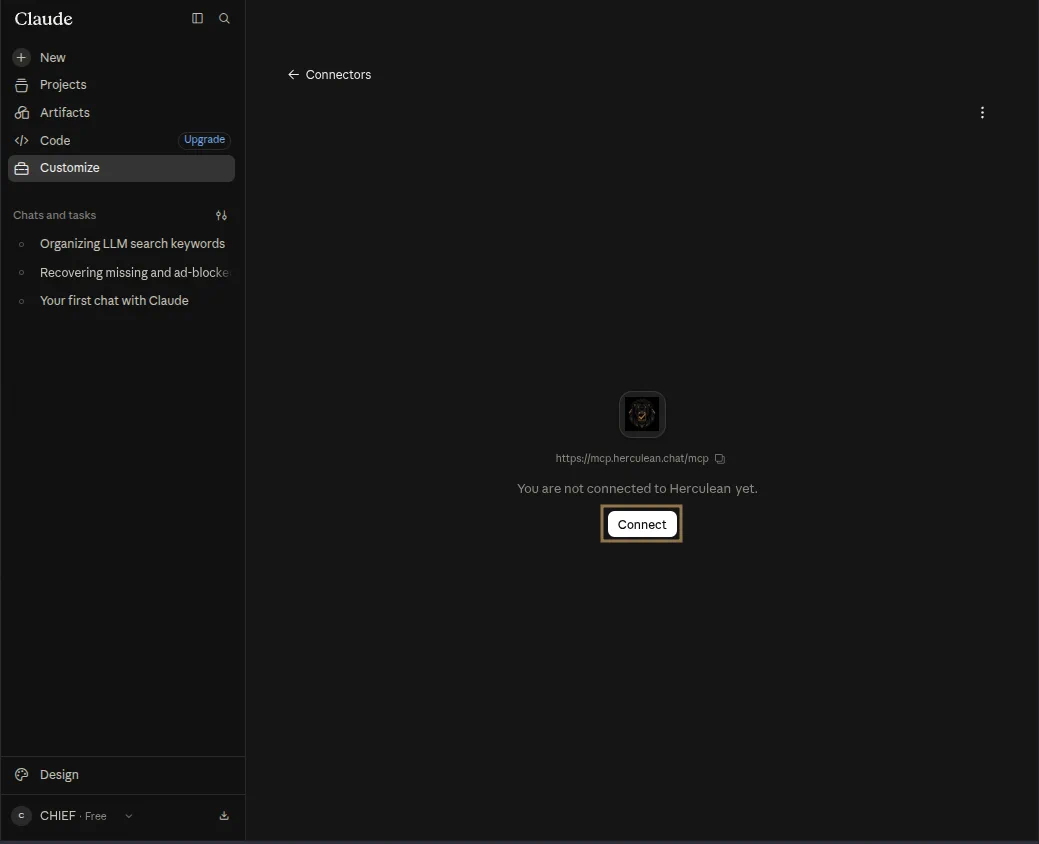
- Select Connect and log into Herculean.
Herculean is connected and its tools are registered.