


Connect ChatGPT to Herculean
Install the production Herculean app in ChatGPT, connect your account and start working with your projects and tasks.
Herculean
Create a Herculean account, choose a subscription and connect ChatGPT, Codex CLI or Claude to your work.
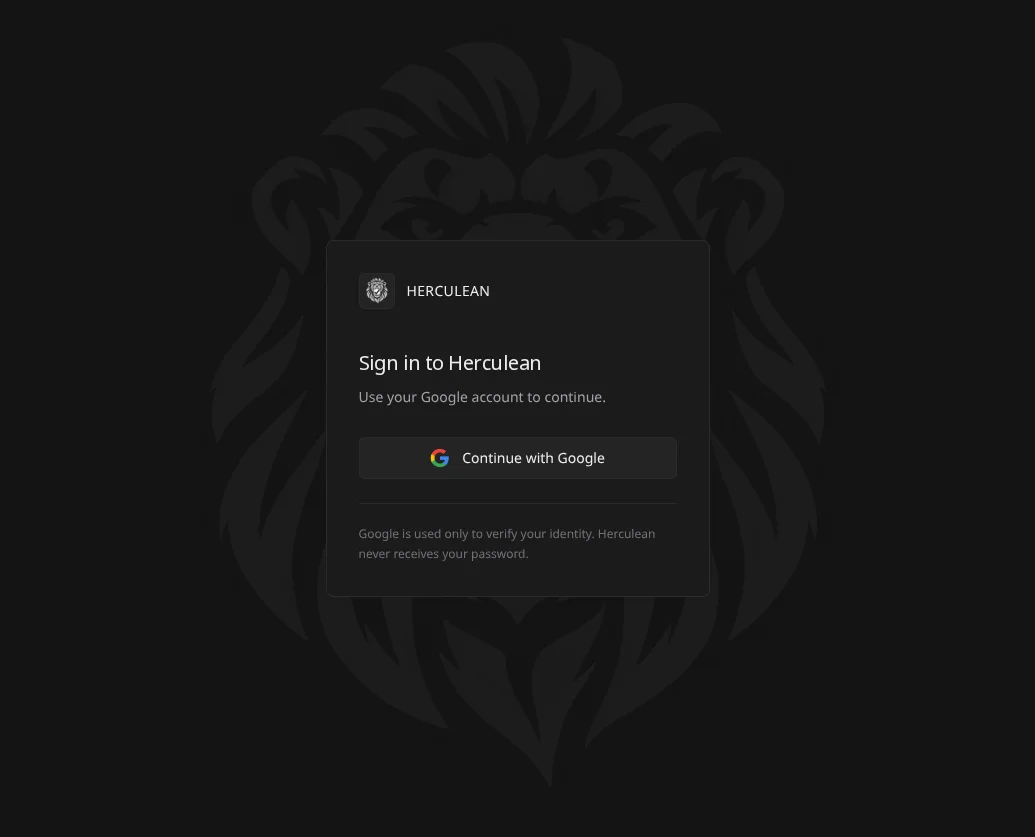
If you already have an account, sign in with the same Google account.
The monthly and annual options are available after you sign in to the app. Choose $5 USD per month or $50 USD per year, then complete checkout through Stripe. See the pricing page for the details.
Choose the guide for the service you want to use:
When the service asks to connect or authorise Herculean, sign in with the account you created in step 1. For details about how the application handles account and integration information, read the application privacy policy.
Once your AI service is connected, open a conversation and ask it to help organise your work. You can start with a rough list and refine it together.
Use Herculean to help me organise my work. I’m going to brain dump everything I need to do. Turn it into clear projects and tasks, ask me about anything important that is unclear, and then tell me what I should work on first.Herculean organises work across projects, tasks, labels and deadlines. You can change the system as your work process evolves. Read the feature guide or continue to Start with Herculean → for a guided first session.
Yes. Create your Herculean account first, then connect the same account from ChatGPT or another supported service.
Sign in to the Herculean app with Google, choose monthly or annual, and complete checkout through Stripe. The pricing page lists both options.
Check that you are using the Google account you intend to use with Herculean. If you still cannot sign in, contact Herculean support.
Install the production Herculean app in ChatGPT, connect your account and start working with your projects and tasks.
Claude-specific installation instructions for Herculean.
Codex CLI-specific installation instructions for Herculean.