
Feedback
Report an issue, ask for support, or share an idea from the dashboard or through a connected AI service.
BeginnerSend feedback while you work
You can share feedback at any time from the Herculean dashboard. Use the form to report a bug, ask a support question, note a usability issue, or suggest an idea. If you’re working with a connected AI service, you can also ask it to send feedback for you.
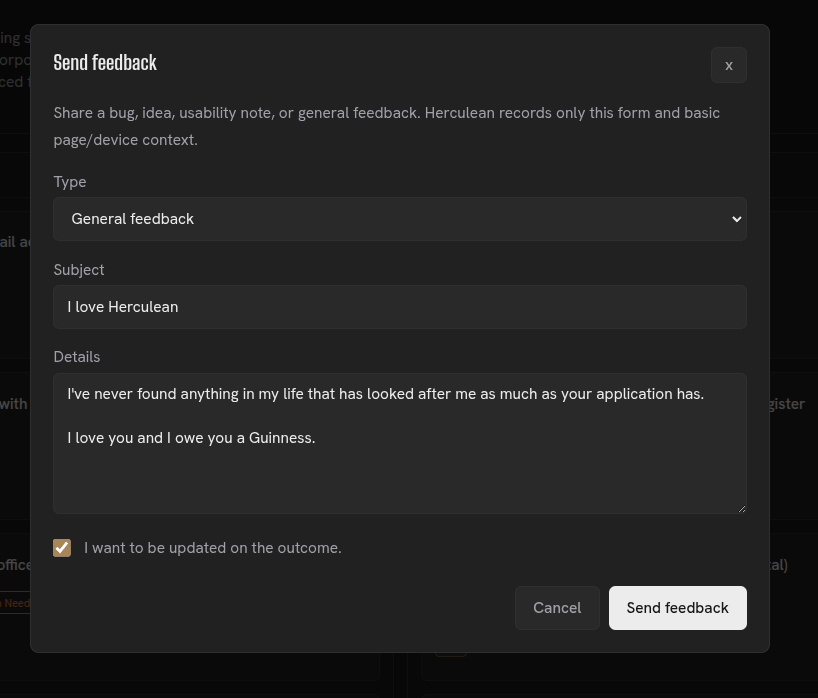
Feedback comes directly to me
Every submission comes straight to me. I can use it to investigate issues, respond to support questions and consider ideas for improving Herculean. The form also lets you request an update on the outcome.
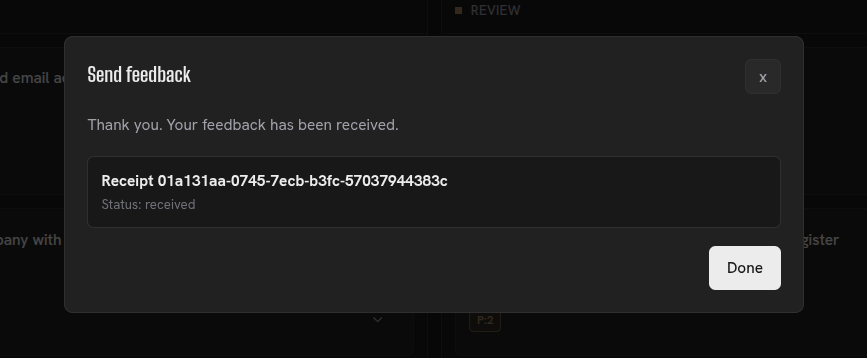
After you send feedback, Herculean confirms that it was received and provides a receipt.
Related content
Continue with other guides and examples connected to this topic.
Memories
Store global or project-specific context, instructions, and preferences for connected AI agents to retrieve when relevant.
AdvancedWork with AI
Connect AI clients through MCP, organise Herculean work in natural language, and follow real prompts and setup guidance.
IntermediateDelegation and agent workflows
Give connected AI agents task context, ask them to research or organise work, and review their results in Herculean.
Advanced